
Google Gemini-s Deep Research Tool
Google Gemini’s Deep Research Tool Can Look Through Gmail, Drive and Chat
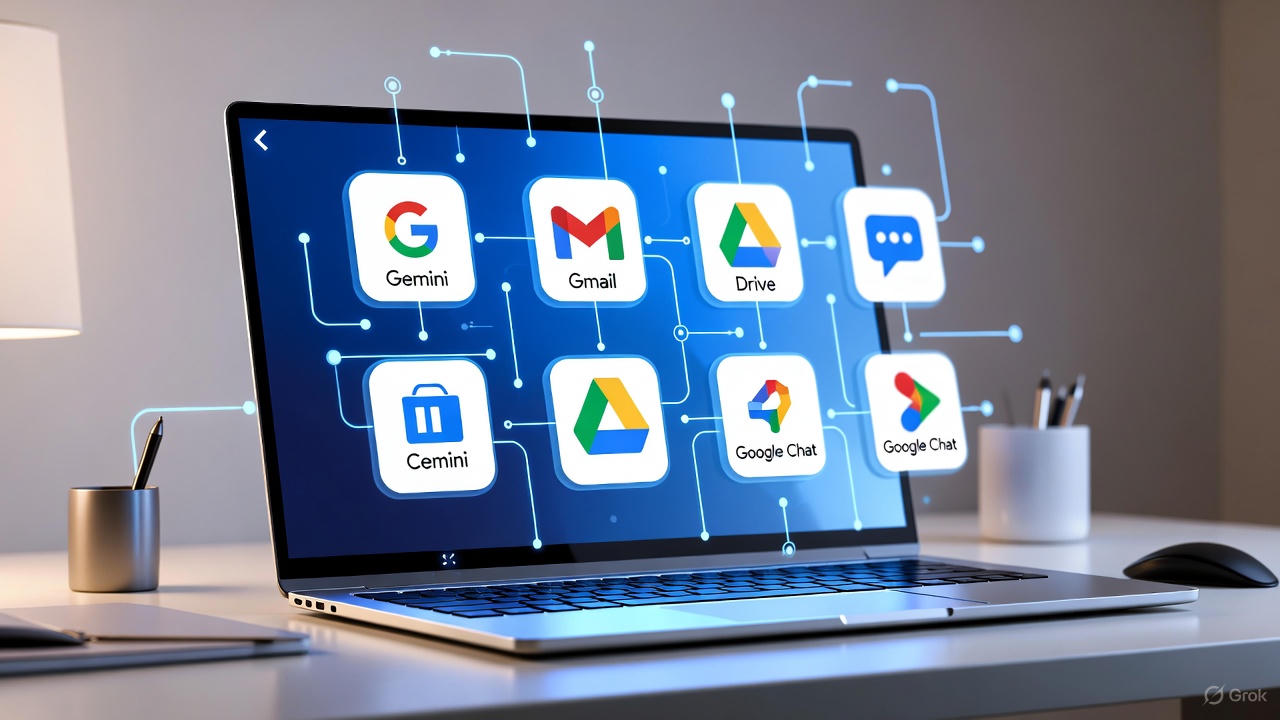
Google Gemini-s Deep Research Tool: Google just gave its Gemini AI a serious productivity boost. The new Deep Research update now lets you pull information directly from your Gmail, Google Drive, and Chat while combining it with real-time data from the web. If you’ve ever wished for an assistant that can instantly scan your emails, project files, and chats to create a full report — this is it.
What is Gemini Deep Research?
Gemini’s Deep Research tool is designed to go beyond basic chatbot answers. Instead of responding to one-off questions, it builds a multi-step research plan — searching the web, analyzing your Google Workspace data, and finally assembling a complete, structured report. Think of it as having an analyst who reads everything for you and summarizes it neatly.
How It Works with Gmail, Drive, and Chat
The latest update integrates Deep Research with Google Workspace apps, including Docs, Sheets, Slides, PDFs, Gmail threads, and even Chat conversations. When you enable this option, Gemini can pull insights from your own documents and emails to create personalized, context-rich reports.
For instance, if you’re preparing a market analysis, Gemini can review your brainstorming notes, past email discussions, and comparison spreadsheets in Drive — and then merge that with external web data. Similarly, you can use it to analyze competitors, plan new campaigns, or even summarize long project threads into actionable takeaways.
How to Use It
Using Deep Research is easy. On desktop, open Gemini at gemini.google.com, click on the Tools menu, and select Deep Research. You’ll see a new “Sources” dropdown where you can choose between web search, Gmail, Drive, and Chat. Mobile users will get this feature in the coming days.
Once enabled, Gemini automatically pulls relevant data from your selected sources. You can even export the generated report directly into Google Docs or turn it into an AI-generated podcast.
Why This Update Matters
This integration makes Gemini feel less like a chatbot and more like a true AI teammate. By combining public information with your private workspace data, you get tailored insights that generic tools can’t match. I think this update could save hours of manual searching and organizing — especially for students, analysts, and professionals juggling multiple projects.
It’s also a major leap toward the kind of context-aware AI Google has been teasing since Gemini’s launch. Having AI that “knows” your context (securely, of course) makes your research smarter and far more useful.
FAQs
What can Gemini Deep Research access?
It can access your Gmail, Drive files (Docs, Sheets, Slides, PDFs), and Chat messages — along with public web data — to create detailed reports.
Is my data safe with this update?
Yes. Google says your Workspace data stays private and isn’t used to train Gemini’s public models. Access is limited to your account context.
When will mobile users get it?
The feature is already live for desktop users and is rolling out to mobile devices over the next few days.
Can I export reports created by Gemini?
Absolutely. You can export results into Google Docs or even transform them into audio summaries or podcasts.

Founder of Sias Trend, covers India’s fast-growing mobile and automobile industries. With hands-on experience in digital ventures and tech trends, he shares insights on smartphones, electric vehicles, and the innovations driving India’s future in mobility and connectivity.